
The official 88fd11 mobile app is already in the hands of millions of bettors across Bangladesh. From cricket to football, live scores to instant payments — carry it all in your pocket.
Installing the 88fd11 app on Android or iOS takes just a few simple steps, no matter which device you use.
Go to 88fd11.ws and click the "Download" menu at the top. You'll find the Android APK button at the top of the page.
Tap the "Android APK" button. The file will be saved to your phone's Downloads folder — just 38MB in size.
Go to Settings › Security › Unknown Sources and enable the option. This is only required to install APKs from trusted sources.
Open the downloaded file, tap Install, and once installation is complete, log in to your account or register a new one.
Open 88fd11.ws in Safari on your iPhone or iPad. iOS installation may not be supported on Chrome or other browsers.
Tap the Share icon (the box with an arrow) at the bottom of Safari. A menu will appear with several options.
Select the "Add to Home Screen" option. Confirm the app name and tap "Add".
The 88fd11 icon will be added to your home screen. Tap it to enjoy the app in full-screen PWA mode.
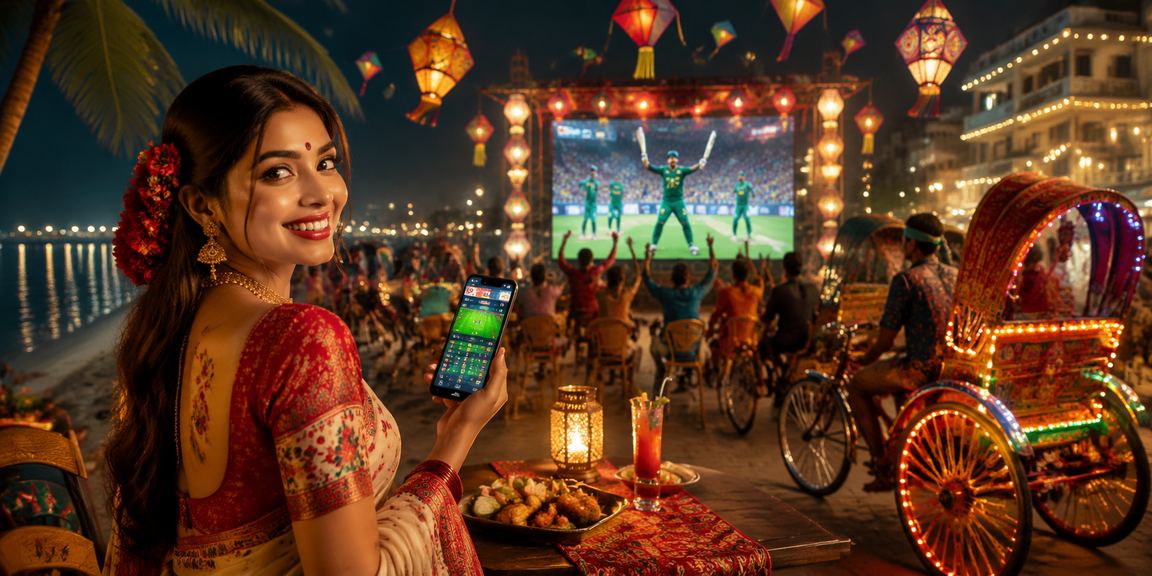
Android, iOS, or web — 88fd11 delivers the same quality experience across all platforms.
There are many betting platforms in Bangladesh, but 88fd11 stands out when it comes to the mobile app experience. The app was built with Bangladeshi users in mind — accounting for variable network speeds, limited phone storage, and the everyday preference for paying via Mobile Pay or Nagad.
At just 38MB, the app installs easily on most devices in Bangladesh. Average load time after launch is 1.2 seconds — and when you're watching a live match, every second counts. Odds can shift multiple times within a single over, and a slow app means missed opportunities.
Important: Only download the 88fd11 APK from the official website. APK files from third-party sites may not be safe.
The app's interface is designed so that even first-time users can find their way around with ease. Sports Betting, casino, Live Casino, and virtual sports are all accessible with a single tap from the bottom navigation bar. The bet slip floats on the right side of the screen at all times, so you never have to leave the page while placing a bet.
When it comes to payments, the 88fd11 app offers the most convenient system available in Bangladesh. Deposits via Mobile Pay, Nagad, and Rocket are credited instantly, and withdrawal requests are typically processed within 15–30 minutes. Your transaction history is accessible directly inside the app, making it easy to flag any issues to support right away.
On the security side, the app supports two-factor authentication (2FA) at login. You can sign in with fingerprint on Android and Face ID on iOS. All data transfers are SSL encrypted, so your password and banking details are never exposed to third parties.
| Android Version | Android 6.0+ |
| IOS Version | iOS 14.0+ |
| File Size (Android) | 38 MB |
| RAM Required | 2 GB+ |
| Internet Connection | 3G / 4G / WiFi |
| Language Support | Bangla, English |
| Latest Update | July 2026 |

More than just betting — 88fd11 is your complete sports companion.
Real-time scores for cricket, football, kabaddi, and more. Ball-by-ball commentary delivered straight to the app.
Bet as the odds shift in real time during a match. The most competitive odds across all live markets.
Get instant notifications before your favourite team's match kicks off, when a goal or wicket falls, and as soon as your bet is settled.
Mobile Pay, Nagad, Rocket, and bank transfer — all directly from the app. Both deposits and withdrawals are completely hassle-free.
Watch select matches live right inside the 88fd11 app. Bet and stream on the same screen at the same time.
Settle your bet before the match ends. Lock in a profit or cut your losses — the choice is yours.
Head-to-head records, player form, pitch reports — check all the stats before you place your bet.
Special bonus on your first bet from the app, daily check-in rewards, and weekly cashback offers.
Chat with a Bengali-speaking support agent directly through in-app Live Chat, any time of the day.

88fd11 regularly releases app updates to introduce new features, improve security, and boost performance. Android users will receive an automatic update notification when they open the app. Simply tap "Update" and the latest APK will download and install — your data and settings remain intact.
IOS PWA users don't need to update manually. Simply visit the website in Safari and the latest version loads automatically. Clearing your cache can help you access new features even faster.
Tips: Always use the latest version. Some live betting features may not work correctly on older versions.
If you run into any issues installing or using the app, start by restarting your phone and checking your internet connection — this resolves most problems. If the APK won't install, go to settings and make sure the Unknown Sources option is enabled.
If the app crashes, clear the cache: Settings › Apps › 88fd11 › Storage › Clear Cache. For login issues, reset your password or reach out to support. 88fd11's Bangla-speaking support team is available 24/7, every day of the week.
The most frequently asked questions about downloading and installing the 88fd11 app.